Welcome to Freq Link, the advanced gateway that connects you directly to everything new in the world of satellite frequencies in a professional and straightforward way. We combine instant updates with precise guidelines to ensure perfect reception for you, no matter how conditions change or technologies evolve. In every article, we take you on a comprehensive tour of a carefully selected channel, focusing on providing reliable frequency links and practical tips that turn any ordinary receiver into a complete entertainment center meeting your daily needs.
Join us in this unique experience that brings the world of satellites closer to you than ever before, with broad coverage of major satellites such as Nilesat, Arabsat, Hotbird, Astra, and Eutelsat, along with everything new in high-definition broadcasting. Freq Link is not just a website; it’s a vital lifeline supplying you with the strong signal and rich content you deserve—get ready to discover a new channel waiting for you behind the next link!
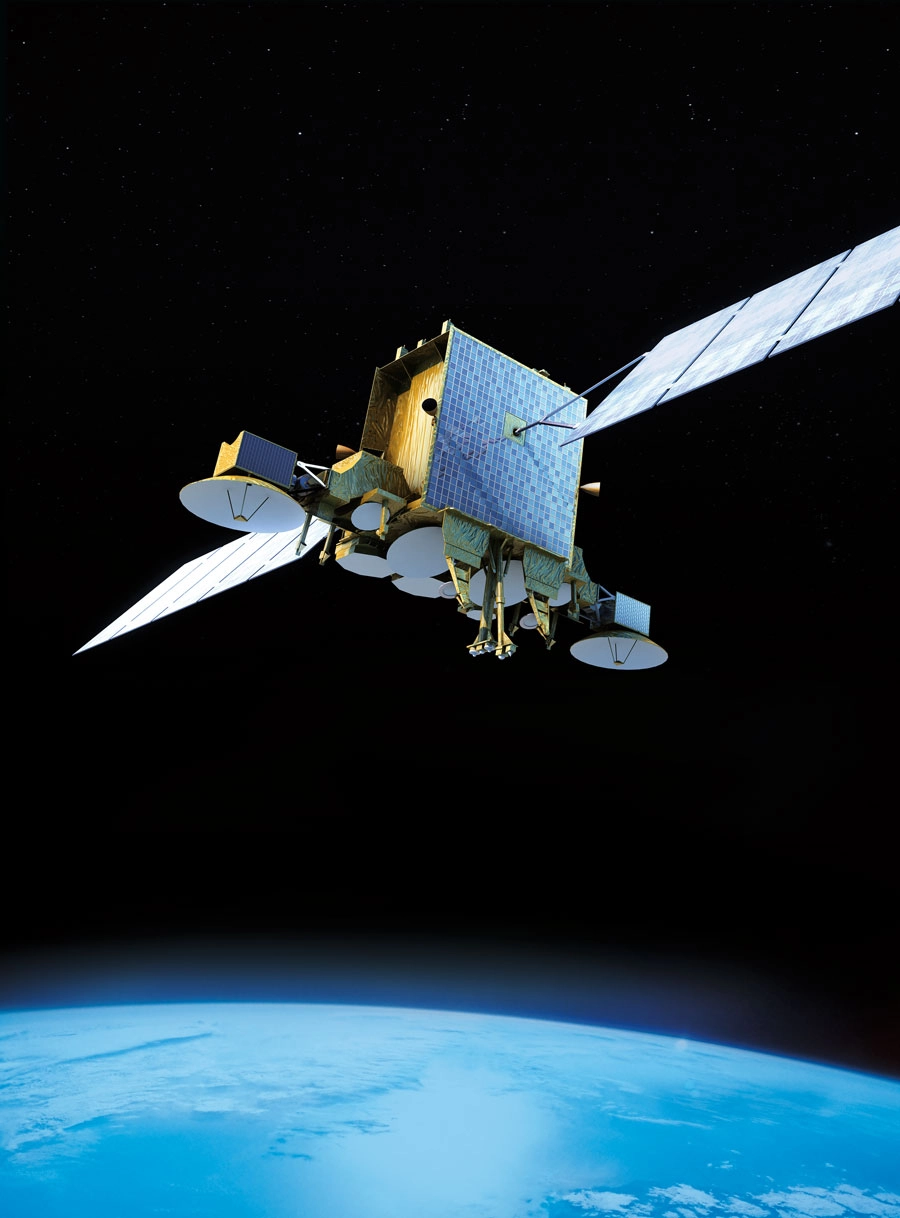
ArabSat is one of the most prominent communication satellites in the Arab world, providing vital services across the Middle East, North Africa, and Europe. Since its launch in 1985, ArabSat has revolutionized satellite television, radio broadcasting, and telecommunications in the region.
With its strategic position in space, ArabSat has become an essential platform for delivering high-quality services to millions of viewers and businesses.
🚀 On the subject of ArabSat
ArabSat is owned by the Arab States Broadcasting Union (ASBU) and serves as a regional hub for satellite communications. It provides a wide range of services including:
-
Satellite TV and radio broadcasting
-
Telecommunications
-
Internet services
-
Corporate communications
ArabSat has been key in connecting countries across the Arab world and delivering content from both local and international broadcasters. The satellite is known for its reliability and vast coverage, offering seamless connectivity in urban and remote areas alike.
🌐 ArabSat’s Satellite Fleet
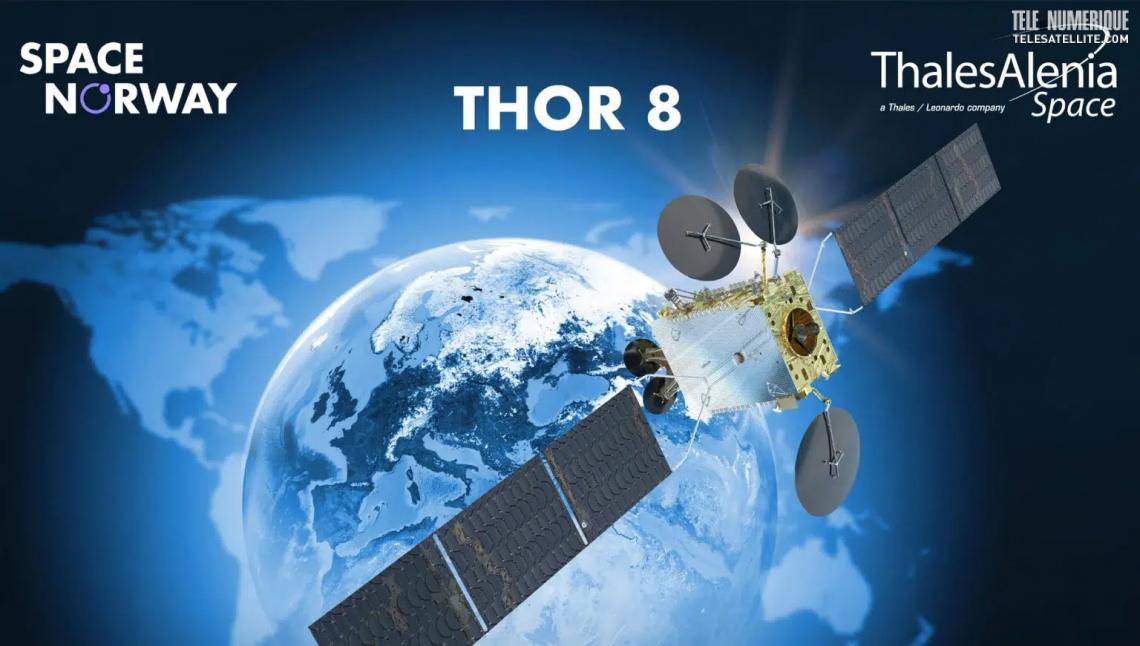
ArabSat operates a fleet of satellites positioned at various orbital slots. These satellites are strategically placed to ensure optimal coverage across the Middle East, North Africa, and parts of Europe. The fleet includes:
-
ArabSat 6A
-
ArabSat 5C
-
ArabSat 4B
-
ArabSat 4A
-
ArabSat 2 (and more)
Each satellite is equipped with high-powered transponders that enable broadcast services, including high-definition (HD) television, radio channels, and internet connectivity.
🛰️ Frequencies and Services on ArabSat
ArabSat offers a wide range of frequencies across different bands, including C-band, Ku-band, and Ka-band. These frequencies are used for:
-
TV and radio channels
-
Internet and data transmission
-
Private corporate communication networks
The specific frequencies used for different services can vary depending on the location of the user, and ArabSat offers detailed guidelines on how to access its channels and services through the appropriate frequencies.
For viewers and users who want to find the right frequencies for their satellite equipment, FreqSatellite is the perfect platform. FreqSatellite provides a detailed guide on ArabSat frequencies, helping users access satellite TV channels, radio stations, and communication services easily.
📡 How to Receive ArabSat Signals
To access ArabSat’s signals, users must have a satellite dish installed and properly aligned to the satellite’s position. The most common frequencies used for ArabSat TV and radio services include:
-
C-band: Typically used for long-range communication and high-quality television broadcasts.
-
Ku-band: Often used for regional TV broadcasting, offering high-definition channels.
-
Ka-band: Used for higher bandwidth services, including satellite internet.
By following the frequency guidelines available on FreqSatellite, users can ensure that their satellite systems are tuned to the correct frequencies to receive the best possible service.
ArabSat continues to play a pivotal role in the communication and broadcasting landscape of the Arab world. Its reliable services and wide coverage make it an indispensable tool for viewers, broadcasters, and businesses across the region. If you want to access ArabSat’s satellite channels or learn more On the subject of its frequencies, FreqSatellite is your go-to resource for all the information you need.
In conclusion, after this exciting journey through the channel’s frequencies and the secrets to receiving it in superior quality, Freq Link takes pride in being the bridge that directly connects you to the best satellite broadcasting has to offer—rich, diverse content. Every piece of information shared here has been carefully selected to be your next step toward a stronger signal, clearer picture, and a viewing experience that exceeds expectations, regardless of weather challenges or geographic location.
We thank you for choosing Freq Link as your daily companion in the world of frequency links, and we reaffirm our commitment to providing instant updates and continuous support. If you need any help with practical application or face a technical challenge, our team is ready to respond quickly via the “Contact Us” page.
Additional Professional Tips for Long-Lasting Reception:
- Record the signal values (Signal Strength & Quality) after successful alignment so you can compare them later and identify any changes that need correction.
- Use a reliable DiSEqC switch (preferably 1.2) if receiving from multiple satellites, to ensure smooth, loss-free transitions between signals.
- In areas with high interference, try adding an LTE (4G/5G) filter between the LNB and receiver to purify the signal from modern noise.
- Install the dish away from growing trees or new buildings, leaving a safe clearance to avoid future obstructions.
- Perform a full Blind Scan at least every two months, as new channels or bouquet changes can appear without prior announcement.
Stay connected with Freq Link, because every new link opens up a world of high-quality entertainment for you. Enjoy strong signal and crystal-clear viewing always!
In conclusion, Freq Link reaffirms its role as a strategic partner in your journey toward professional and sustainable satellite reception, as this article has provided a complete set of precise frequencies, programmatic analyses, and technical guidelines aimed at elevating your daily experience to new horizons of clarity and stability. Every frequency link here is not just numbers, but a key to a rich world of content awaiting you, supported by reliable and up-to-date information that ensures successful reception from the first attempt.
We thank you for your followership and trust in Freq Link as a primary source for frequency links and specialized solutions, and we are always ready to support you in any technical challenge. Contact us via the “Contact Us” page for quick and customized answers from our expert team.
Additional Professional Tips for Superior Reception Performance:
- Create a personal log of ideal signal values for each satellite in your area, so you can quickly compare them and detect any changes early.
- Rely on mobile signal measurement apps connected to the receiver (such as SatFinder with Wi-Fi) for precise adjustments without needing the TV screen.
- When using multi-satellite systems, arrange the DiSEqC order based on signal strength (strongest first) to improve switching speed and stability.
- Use thermal insulating materials around the LNB in extremely hot or cold areas to maintain consistent performance throughout the day.
- Perform a “Factory Reset” once a year followed by a full re-scan to clean the database of inactive old frequencies.
Stay in constant touch with Freq Link, as every new update is a link leading you to stronger signals and better content. Enjoy pleasant viewing and professional reception at every moment!